
There are several ways to integrate Doctoranytime into your own website.
1. Widgets available in your profile
Go to the Widgets tab in your profile to access the different integration codes.
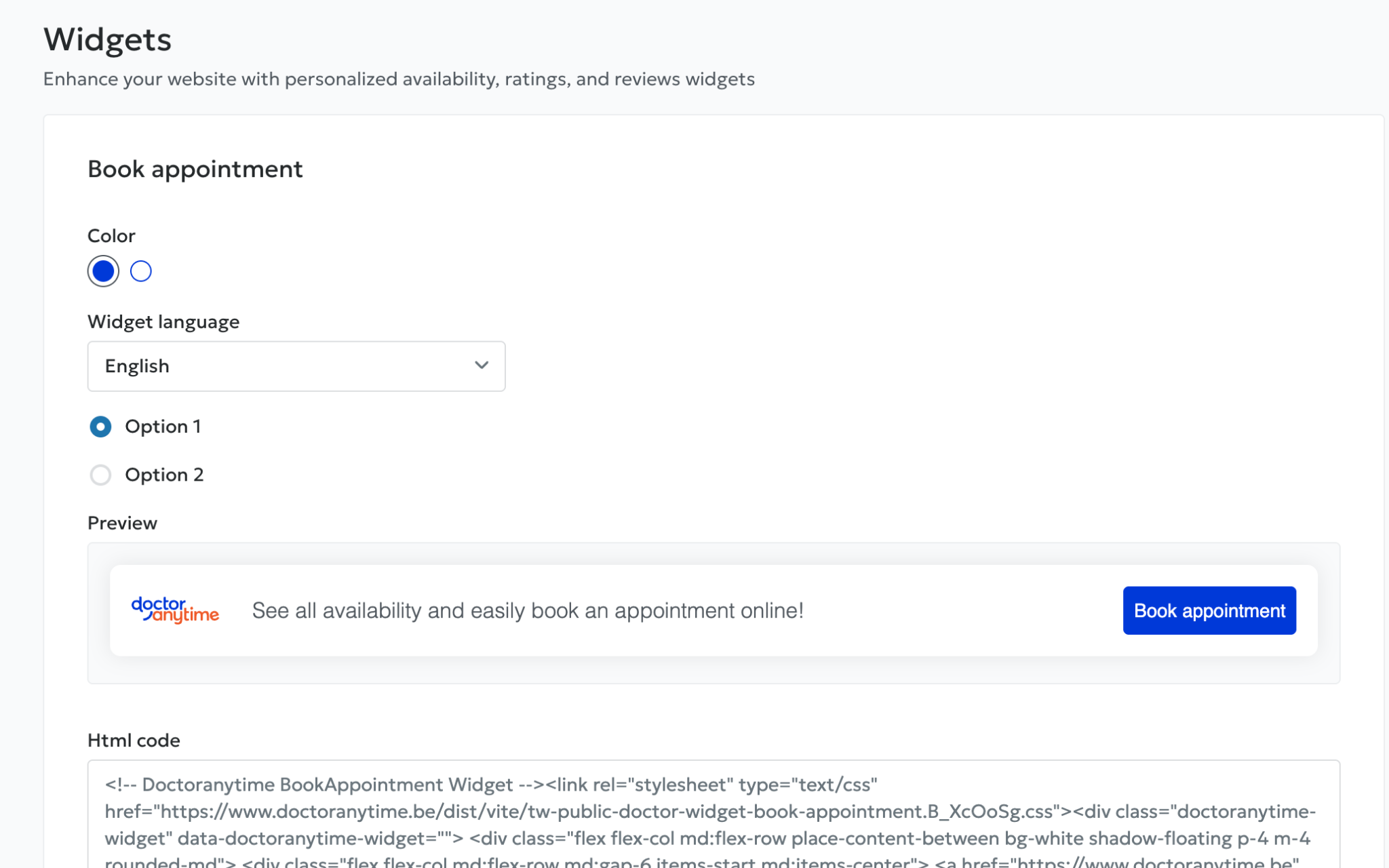
From this tab, you can:
- Integrate an appointment booking banner into your website using the provided HTML code.
- Integrate the patient reviews banner using a similar code.
⚠️ Please note: if your profile does not have any reviews yet, the code for the reviews banner will not be generated.
2. The embedded agenda widget
Another widget allows you to integrate the agenda and appointment booking directly into your website.
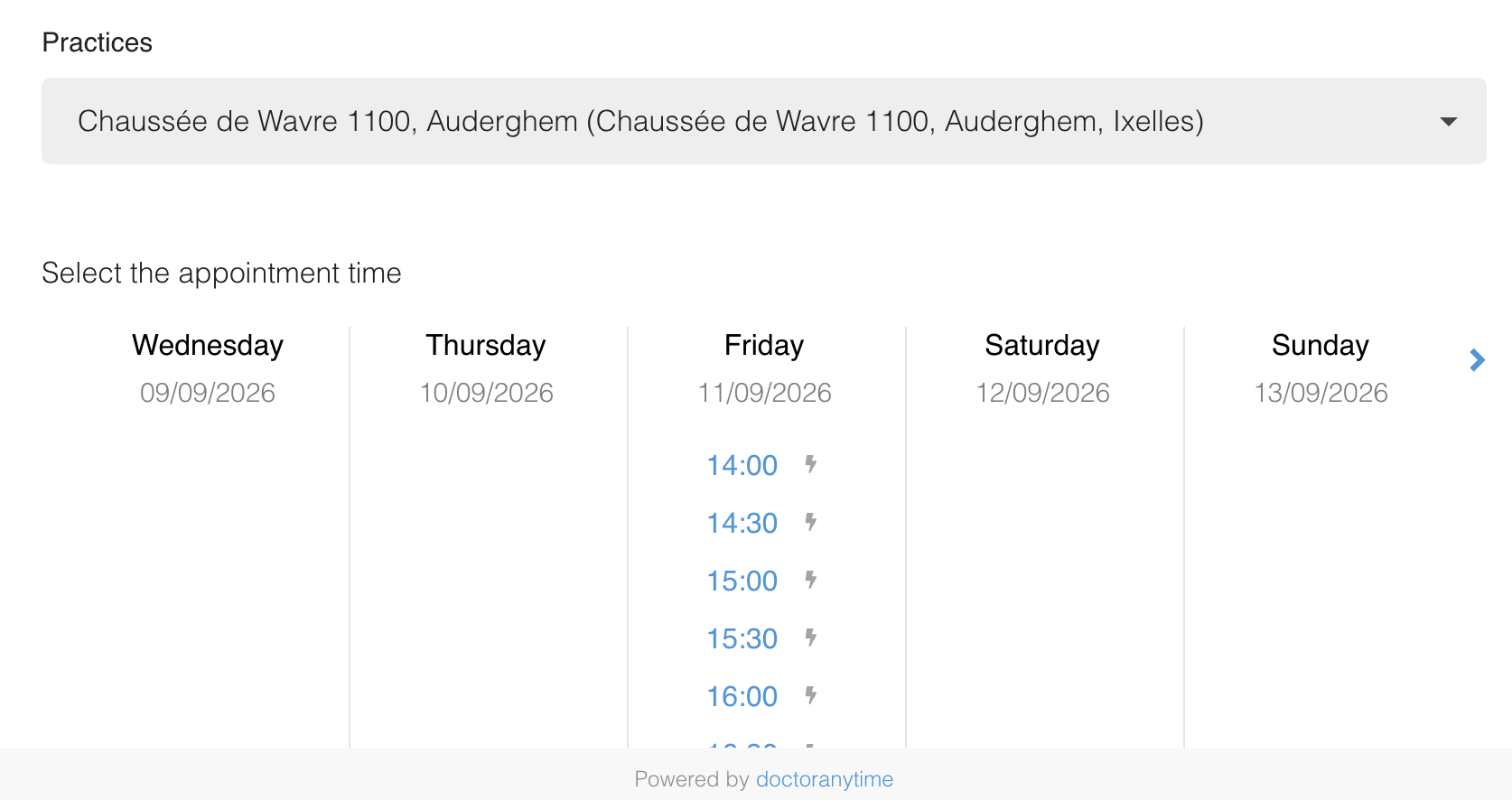
Advantage: patients are not redirected to Doctoranytime and can view available time slots directly on your website.
This widget is not included in all subscriptions; it must be requested from your Account Manager.