
You can cancel an appointment directly from your agenda and decide whether to notify the patient.
Cancel an appointment
- Sign in to Doctoranytime.
- Open Agenda and find the appointment.
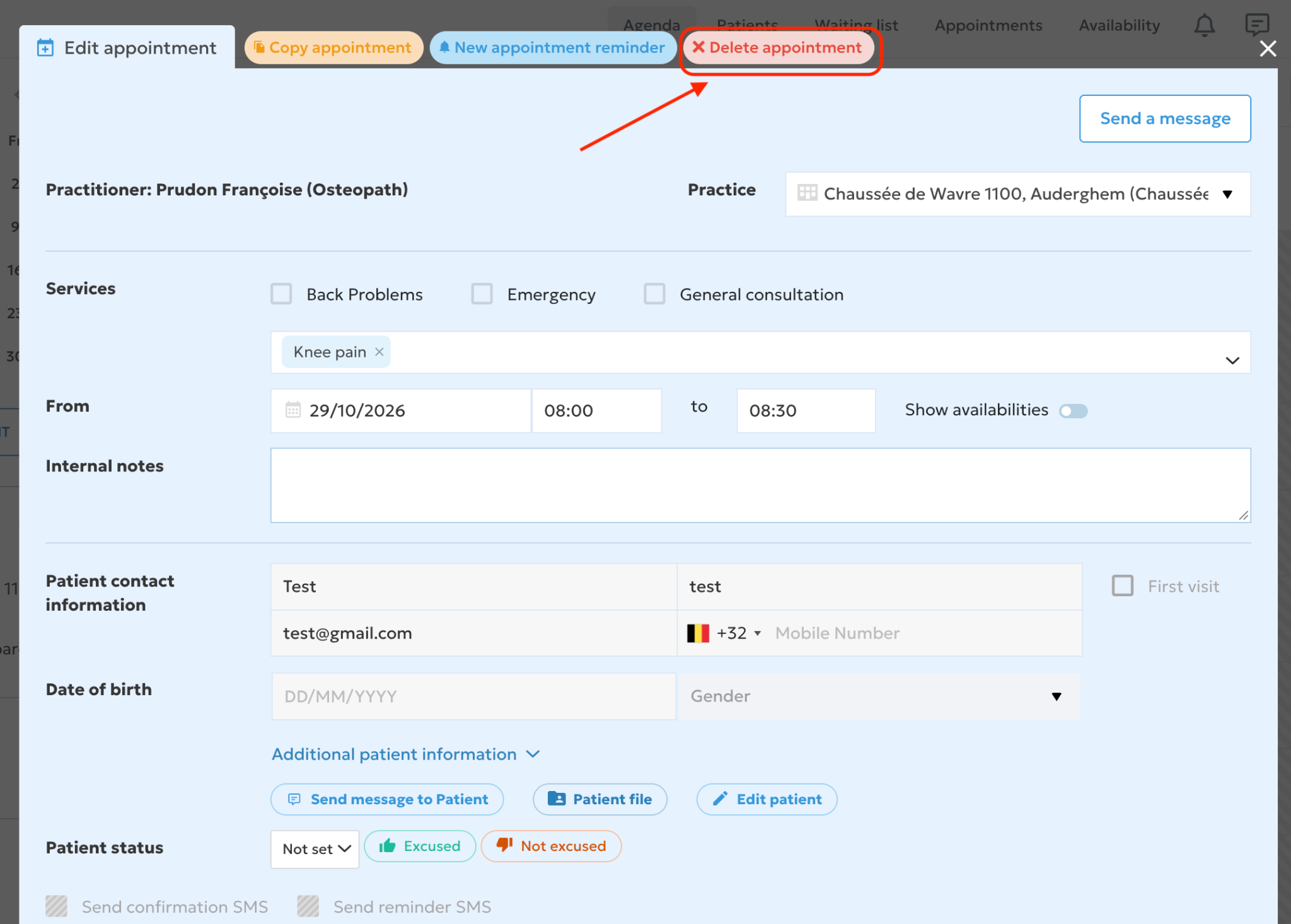
- Click it to open its details.
- Click the red 'Delete appointment' button at the top.
- In the confirmation window, choose:
'No': the cancellation is abandoned and the appointment stays in your agenda.
'Yes, and notify patient': the appointment is deleted; the patient receives an email and, if you have SMS notifications, an SMS.
'Yes': the appointment is deleted without notifying the patient.
Good to know
If you cancel an appointment yourself, we recommend notifying the patient so they do not travel to your practice unnecessarily. If you only need to change the date or time, edit the appointment instead of cancelling it.