
A patient has booked a video appointment and the day of the consultation has arrived? Here’s how to join the Video Consultation.
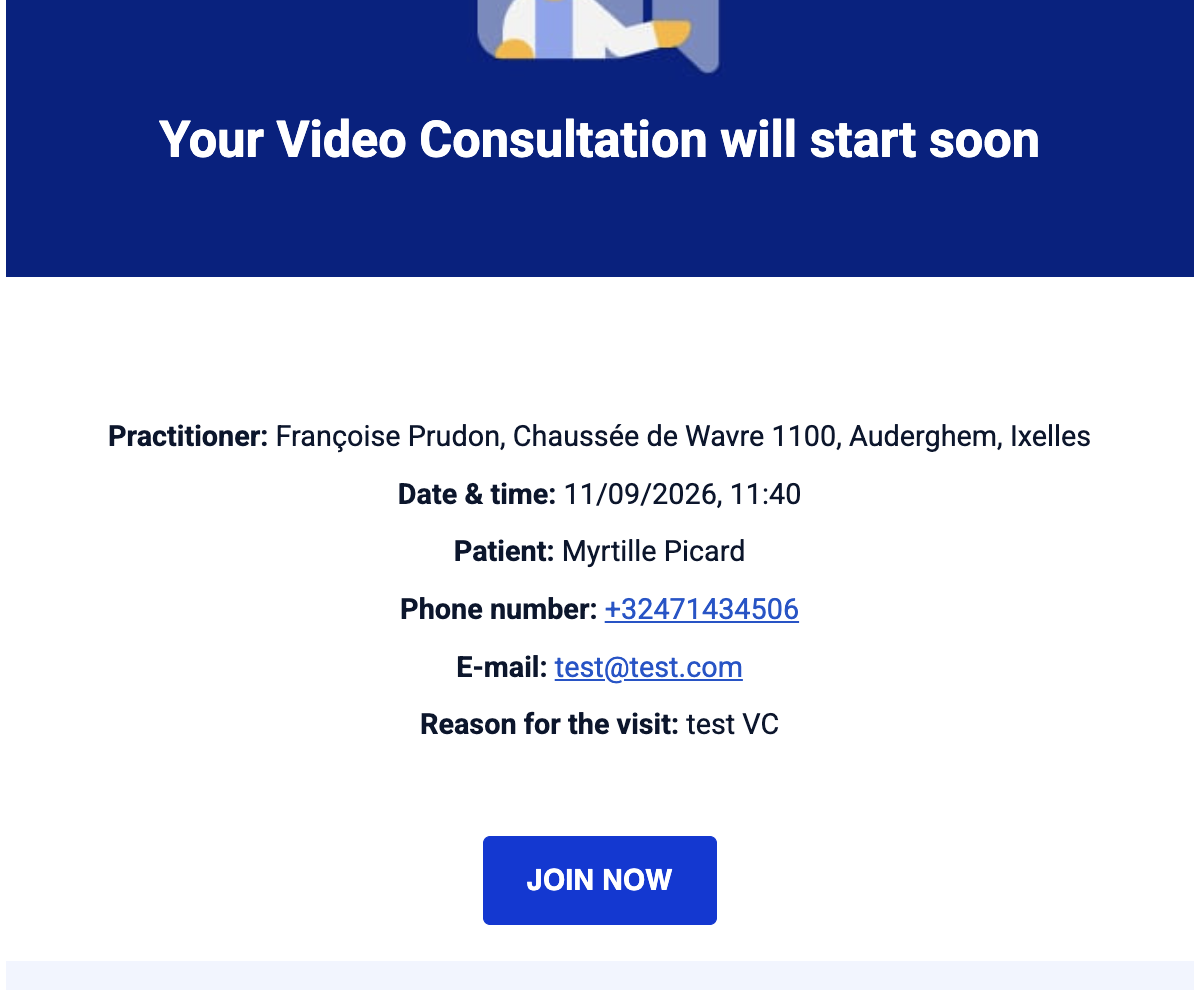
Method 1: From the reminder email
10 minutes before the consultation, you will receive an email inviting you to join the consultation. Simply click the Join button.
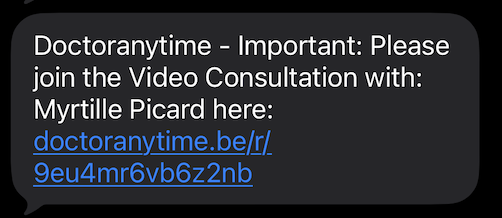
Method 2: From the SMS
You will also receive an SMS containing a link that gives you direct access to the Video Consultation.
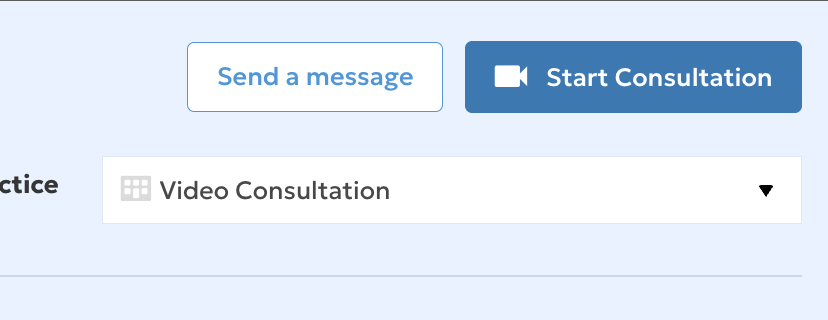
Method 3: From the Agenda
- Go to your Agenda.
- Click on the relevant appointment.
- Click the blue Start Video Consultation button.
You will then be redirected to a page where you can set up your microphone and camera before joining the Video Consultation.
⚠️ Important: your microphone and camera must be enabled, otherwise the Video Consultation will not work.
During the Video Consultation
Once you have joined the consultation, several features are available:
- Enlarge the screen
- Turn off the camera and/or microphone
- Share your screen
- Blur the background
- Send a message to the patient via the chat
End the consultation
Once the consultation is over, simply hang up.
If you experience any difficulties or have any questions, contact your account manager.