
Would you like to view the details of your Doctoranytime subscription or find previous invoices? All this information is available directly from your practitioner account.
1. Access your subscription information
- Log in to your Doctoranytime agenda.
- Click your profile picture in the top-right corner of the screen.
- In the drop-down menu, select “My account”.
- Scroll down to the “Subscription” section.
- Click “View subscription”.
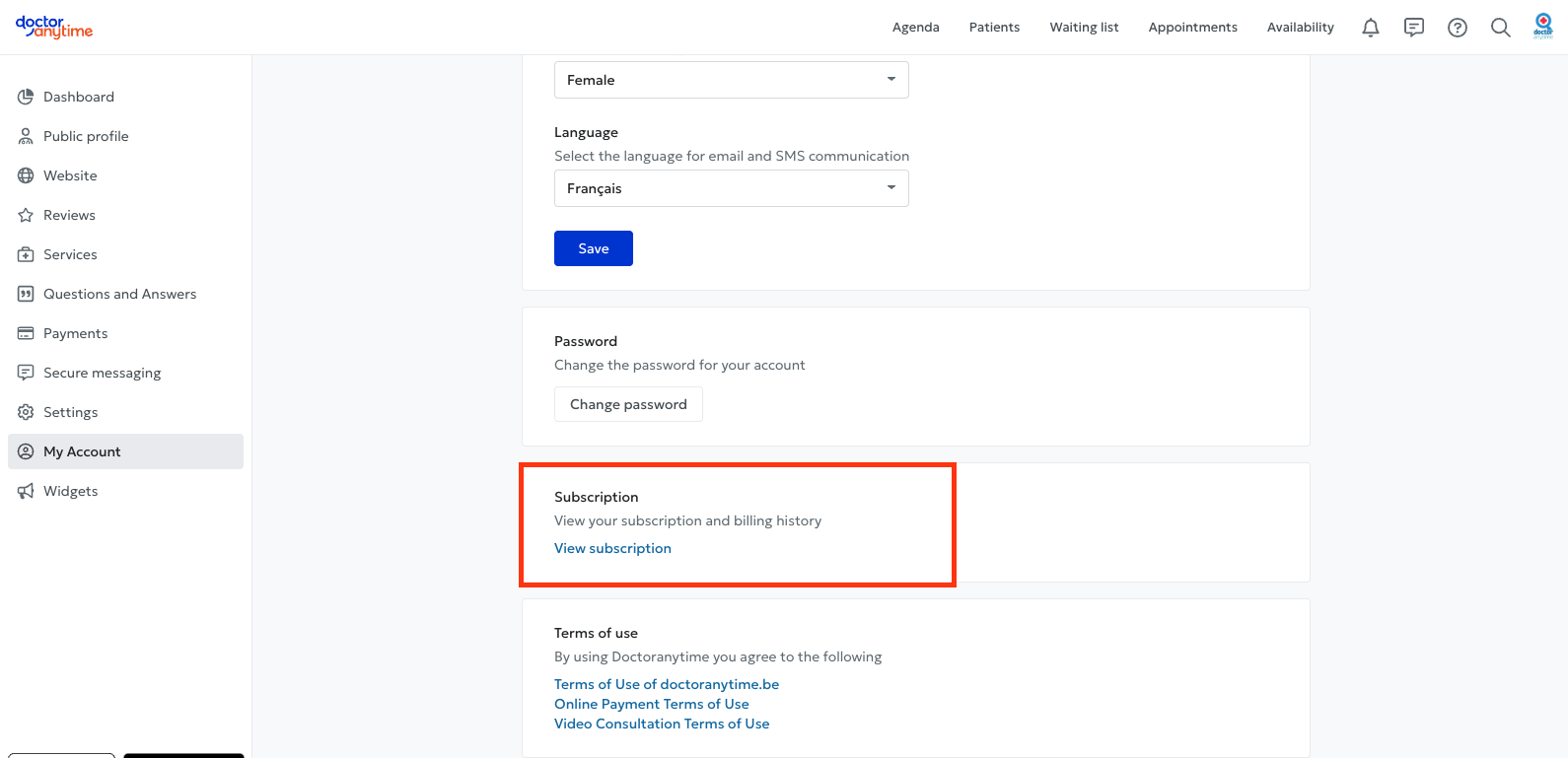
2. View your subscription and invoices
Clicking “View subscription” will redirect you to Stripe, our billing management platform.
On this page, you can:
- View the details of your Doctoranytime subscription.
- Find your invoice history.
- View and download previous invoices.
- Need help?
If you have questions about your subscription or billing, contact our team at care@doctoranytime.be.
We are happy to help.